Step-by-Step Instructions:
Step 1: Access the trading platform via BSC Webtrading [Insert link] or the BSC Smart Invest app [Insert link].
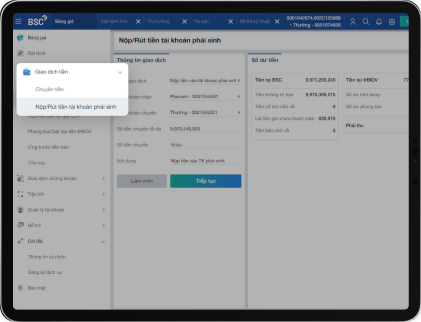
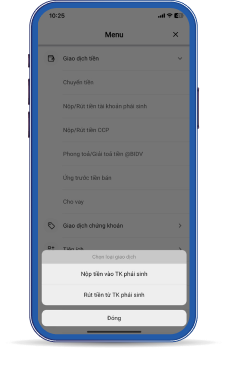
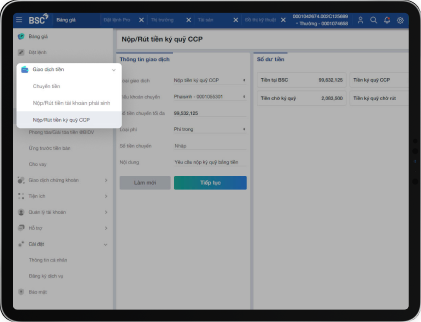
Step 2: Navigate to Menu -> Money Transaction -> Deposit/Withdraw from Derivatives Account.
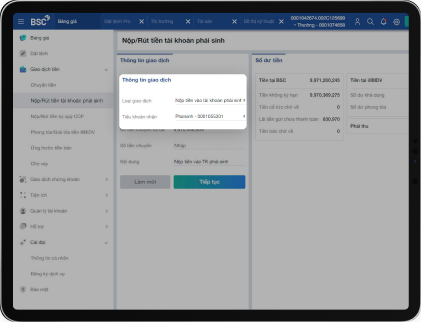
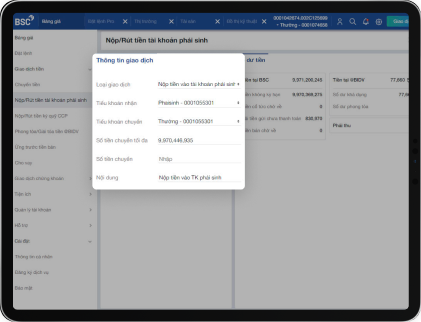
Enter the required details, including: Transfer amount. Transfer note/content (if applicable).
Step 3: Confirm the deposit/withdrawal details and proceed with the transaction.
*** Note :
You can only transfer funds into the Derivatives Account from the Normal Sub-account.
Similarly, you can only withdraw funds from the Derivatives Account to the Normal Sub-account.
Illustration of the Deposit/Withdrawal Feature for Derivatives Accounts on BSC Webtrading
Navigation for copying the quick transfer account number for each subaccount and retrieve the QR code.
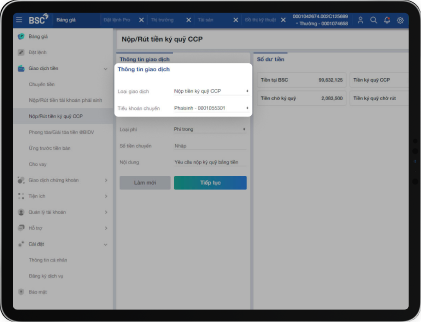
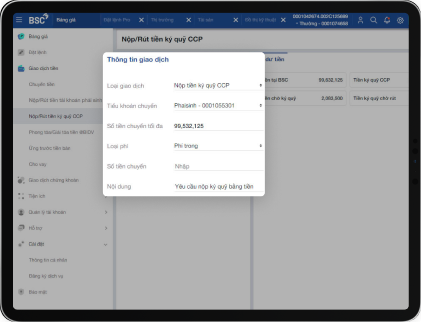
Step 2: Navigate to Menu -> Money Transaction -> Deposit/Withdraw CCP Margin Funds. Enter the required details, including: Transfer amount, Type of fee, Transfer note/content.
Step 3: Confirm the deposit/withdrawal details to complete the transaction.
Illustration of the Deposit/Withdrawal Feature for CCP Margin Funds on BSC Webtrading
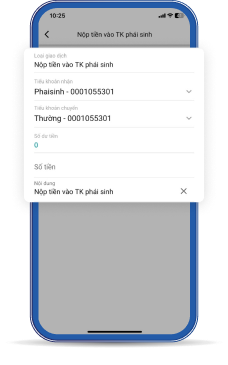
Illustration of the Deposit/Withdrawal Feature for CCP Margin Funds on the BSC Smart Invest Application




 Account Opening
 Trading Platform
 Promotional Programs
 Product – Services
 Support
 Equity Capital Market (ECM)
 Debt capital market
 Corporate finance consulting
 Mergers and acquisitions (M&A) consulting
 Analysis Reports
 Stock Information Search
 Market Calendar
 General Meeting of Shareholders
 Corporate Governance
 Financial report
 Annual Reports
 About us
 News
News Career
 BSC Trading
  BSC Smart Invest
  Online Support


 English